Delta DIAView SCADA Alternative (2026): Modern Industrial Automation Without Hardlock Dongles
Delta Electronics has established a substantial presence in factory automation with its cost-effective DVP and AS series PLCs, temperature controllers, and servo drives. To complement its hardware, Delta offers DIAView SCADA—a supervisory control software designed for industrial visualization and process management. However, automation engineers, OEM skid builders, and system integrators frequently encounter major operational bottlenecks with DIAView.
From mandatory physical USB hardlock security dongles that create physical failure risks on the plant floor, to restrictive tag-count tiers (64, 128, 512, 1024, 3000 tags) that double licensing costs upon adding a few extra sensor variables, DIAView's legacy distribution model hinders modern agile development.
If you are searching for an agile, high-performance Delta DIAView SCADA alternative, SCADA Platform provides two modern options: SCADA Desktop ($499 one-time, perpetual, unlimited tags, zero dongles) and SCADA Cloud ($49/month browser-based SaaS with MQTT and mobile access).
Modernize Your Factory Automation Screens
Looking for a modern, dongle-free supervisory platform that communicates natively with Delta PLCs and any standard Modbus hardware? Register for SCADA Platform and start building unlimited screens in minutes.
1. The Core Limitations of Delta DIAView in Modern Plants
While Delta DIAView provides basic supervisory capabilities, several architectural limitations create recurring friction for industrial projects:
1. Physical USB Hardlock Dongle Dependency
DIAView relies on a physical USB hardware key (dongle) plugged into the host industrial PC. In harsh manufacturing environments subject to high vibration, electromagnetic interference (EMI), and ambient dust, physical USB connections frequently disconnect. If an operator bumps the dongle or the USB connector oxidizes, DIAView abruptly terminates runtime or reverts to a 2-hour demonstration mode, halting supervisory alarms.
2. Restrictive Tag-Count Licensing
Delta prices DIAView strictly by tag count (64, 128, 256, 512, 1024, 1500, 3000, 64000 tags). In industrial skids, simple machines easily exceed 256 tags once high/low alarm limits, setpoints, manual overrides, and diagnostics are mapped. Crossing a tier boundary forces engineers to purchase an expensive license upgrade and reprogram the physical dongle.
3. Proprietary Scripting & Steep Learning Curve
Custom logic and recipe management in DIAView require navigating a proprietary VBScript environment. Engineers frequently spend days debugging syntax quirks and runtime errors rather than focusing on process safety and UI responsiveness.
4. Cumbersome Remote Web & Mobile Access
Enabling remote plant monitoring in DIAView requires configuring IIS web servers, managing Windows user permissions, setting up port forwarding, and dealing with outdated ActiveX or Web browser plugins. Viewing dashboards on modern smartphones or tablets is cumbersome and unreliable.
2. Feature & Architectural Comparison: Delta DIAView vs. SCADA Platform
The following technical breakdown highlights the differences between Delta DIAView and SCADA Platform:
| Feature | Delta DIAView SCADA | SCADA Desktop | SCADA Cloud |
|---|---|---|---|
| Licensing Model | Paid per tag tier + physical USB dongle | $499 One-time perpetual | $49/month SaaS subscription |
| Hardware Protection | Mandatory USB hardlock dongle | Zero dongles (Software license key) | 100% Cloud / Browser-based |
| Tag Limitations | 64, 128, 512, 1024, 3000 tags | Unlimited tags | Unlimited tags |
| Client Viewers | Charged per concurrent web client | Local desktop + multi-monitor | Unlimited browser viewers |
| Industrial Protocols | Delta PLC, Modbus, OPC DA | Native Modbus TCP & Modbus RTU | MQTT, OPC UA & Modbus Gateway |
| Historian & Logging | Requires Microsoft SQL / Access | Built-in SQLite historian + 1-click CSV | Automated cloud time-series DB |
| Mobile & Remote Access | Requires complex IIS web add-on | Local network / RDP | Native responsive web on iOS & Android |
3. Seamless Integration with Delta PLCs via Open Modbus
Engineers often assume they must use Delta DIAView to talk to Delta PLCs. In reality, all Delta PLCs support open, industry-standard Modbus protocols natively:
- Delta DVP Series (DVP-14SS2, DVP-28SV2, DVP-12SE): Feature integrated RS-485 COM ports and Ethernet ports supporting standard Modbus RTU and Modbus TCP.
- Delta AS Series (AS200, AS300): Include built-in 100 Mbps Ethernet ports supporting Modbus TCP client/server roles out of the box.
In Delta's WPLSoft or ISPSoft programming software, PLC memory elements map cleanly to standard Modbus registers:
| Delta PLC Device | Modbus Register Address (Hex) | Modbus Function Code | SCADA Platform Mapping |
|---|---|---|---|
| Coil M0 – M1535 | 0x0800 – 0x0DFF |
FC 01 (Read) / FC 05 (Write) | Discrete Outputs / Relays |
| Input Point X0 – X377 | 0x0400 – 0x04FF |
FC 02 (Read Discrete Inputs) | Sensors / Proximity Switches |
| Data Register D0 – D9999 | 0x1000 – 0x370F |
FC 03 (Read) / FC 16 (Write) | Analog Variables, Speeds, Temperatures |
Because SCADA Platform features high-performance native drivers for Modbus TCP and Modbus RTU, you connect directly to Delta PLCs over standard Ethernet or RS-485 serial without purchasing proprietary driver plug-ins.
4. SCADA Desktop: The Offline Workhorse for Machine Builders
For OEM machine builders, packaging lines, and isolated plant floors that do not require internet access, SCADA Desktop provides the ideal replacement for Delta DIAView:
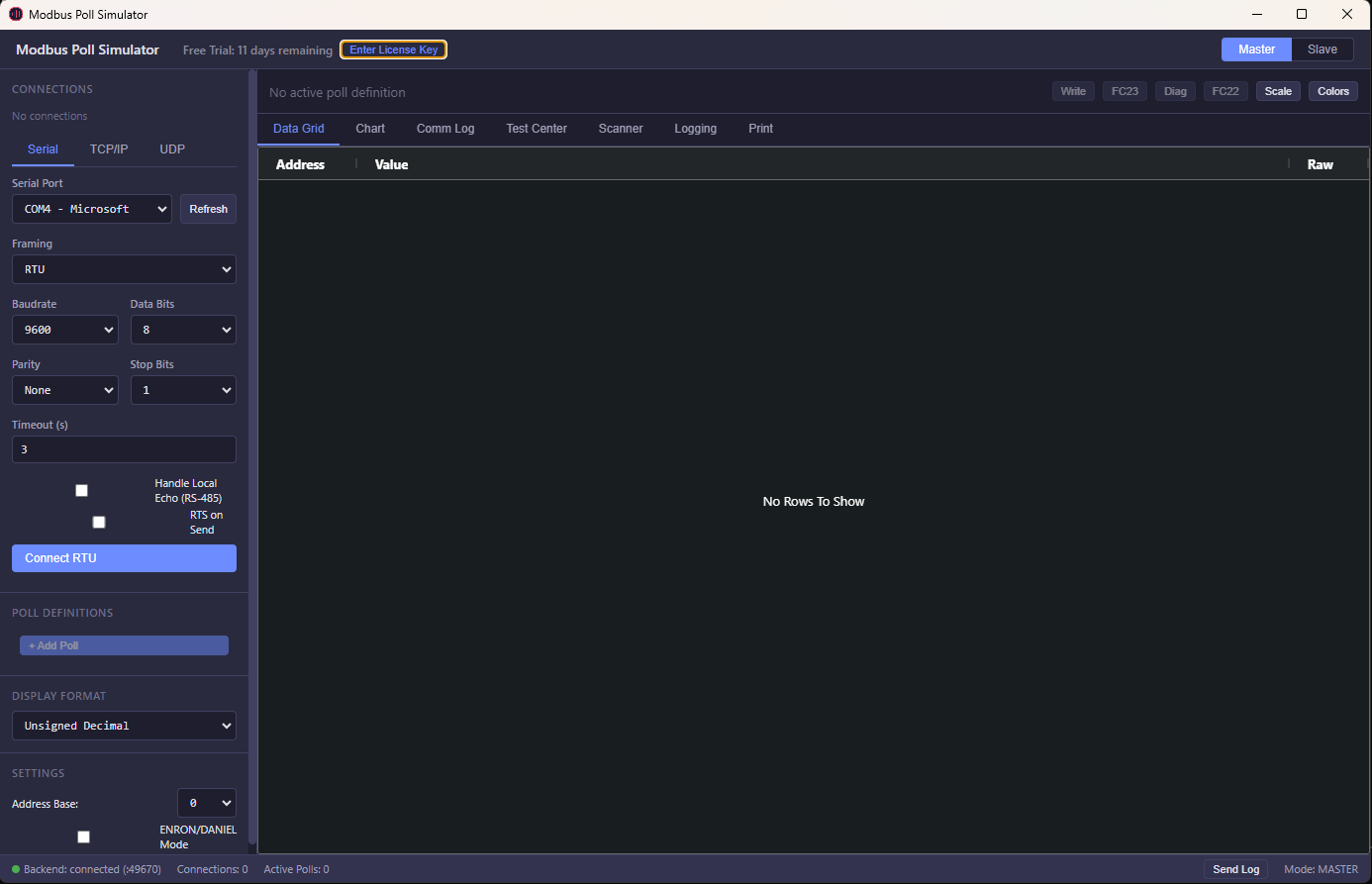
Figure 1: High-performance visual screen designer and tag browser in SCADA Desktop.
- Zero Hardware Dongle: Operates entirely via a permanent software license. Deploy on commercial panel PCs without vulnerable physical USB keys.
- Unlimited Tags & Screens: Never worry about exceeding a 256 or 512 tag tier. Build rich multi-screen HMI layouts with comprehensive diagnostics for a single $499 investment.
- Integrated Local Historian: High-speed SQLite data engine logs thousands of tag transitions per second. Operators can filter historical trends and export data to CSV with a single click for regulatory compliance.
- Rapid Commissioning: Pre-built industrial widgets (gauges, tanks, multi-state valves, PID trend charts) drag and drop onto the canvas in seconds.
5. SCADA Cloud: Centralized Multi-Site Monitoring
If your facilities span multiple buildings, cities, or remote pump stations, SCADA Cloud extends supervisory control beyond the limitations of on-premise desktop runtimes:
  [Plant Floor A] ──► (Delta PLC + Modbus Gateway) ──┐
                                                      │  (Secure MQTT / TLS)
  [Plant Floor B] ──► (Delta PLC + Edge Gateway)   ──┼──► [SCADA Cloud SaaS]
                                                      │           │
  [Remote Pump 1] ──► (Solar RTU + 4G Router)      ──┘           ▼
                                                       [Web & Mobile Dashboards]
                                                       (Unlimited Viewers Worldwide)
- Instant Zero-Install Access: Operators access secure supervisory screens via Chrome, Safari, or Edge on any computer, tablet, or phone.
- Hosted Redundancy: Eliminates the capital cost of dedicated server hardware, database administration, and unpatched operating system vulnerabilities.
- Real-Time Alarm Notifications: Receive instant SMS, email, or webhook notifications when process values breach critical safety thresholds.
6. Step-by-Step: Migrating from Delta DIAView to SCADA Platform
Switching from DIAView to SCADA Platform is straightforward:
- Export Your Modbus Address Table: Open your Delta PLC project in ISPSoft or WPLSoft. Note the Modbus addresses for your target D registers and M coils.
- Pre-Commission with ModbusSimulator: Test your communications before deploying to production. Use our virtual Modbus Slave Simulator to verify that register values and high/low alarms react correctly.
- Connect Directly to Your Delta PLC: Point SCADA Desktop or SCADA Cloud to the IP address of your Delta Ethernet PLC (port 502) or USB-to-RS485 COM port.
- Deploy and Run: Enjoy fast, reliable, dongle-free supervisory automation with zero recurring tag upgrades.
Frequently Asked Questions (FAQs)
Why do engineers look for an alternative to Delta DIAView SCADA?
Delta DIAView relies on physical USB hardlock security dongles that create physical failure risks in industrial panels. Additionally, DIAView enforces restrictive tag-count tiers (64, 128, 512, 1024 tags) that inflate project costs when scaling automation skids.
How does SCADA Platform compare to Delta DIAView in licensing costs?
SCADA Platform eliminates per-tag metering. SCADA Desktop provides a perpetual offline license for $499 one-time with unlimited tags, screens, and alarms. SCADA Cloud provides browser-based monitoring starting at $49/month with unlimited client viewers.
Can SCADA Platform communicate with Delta PLCs like DVP and AS Series?
Yes. Delta DVP and AS series controllers support standard Modbus RTU and Modbus TCP natively. SCADA Platform connects directly to these controllers over standard Ethernet or RS-485 serial without proprietary driver fees.
Does SCADA Platform require physical USB dongles to operate?
No. SCADA Platform uses lightweight software license keys with zero physical hardware dependency, preventing downtime caused by damaged or stolen USB dongles.
Does SCADA Platform offer cloud remote monitoring that Delta DIAView lacks?
Yes. While DIAView requires complex IIS web server configuration and port forwarding, SCADA Cloud runs natively in any web browser, enabling secure monitoring on smartphones, tablets, and PCs without client licenses.
Upgrade Your Factory Automation Supervisory Software
Eliminate USB dongles and tag limits. Experience the speed and flexibility of modern Desktop and Cloud SCADA.