See SCADA in Action
The same HMI designer, dashboards, alarms, and historian across SCADA Desktop and SCADA Cloud.
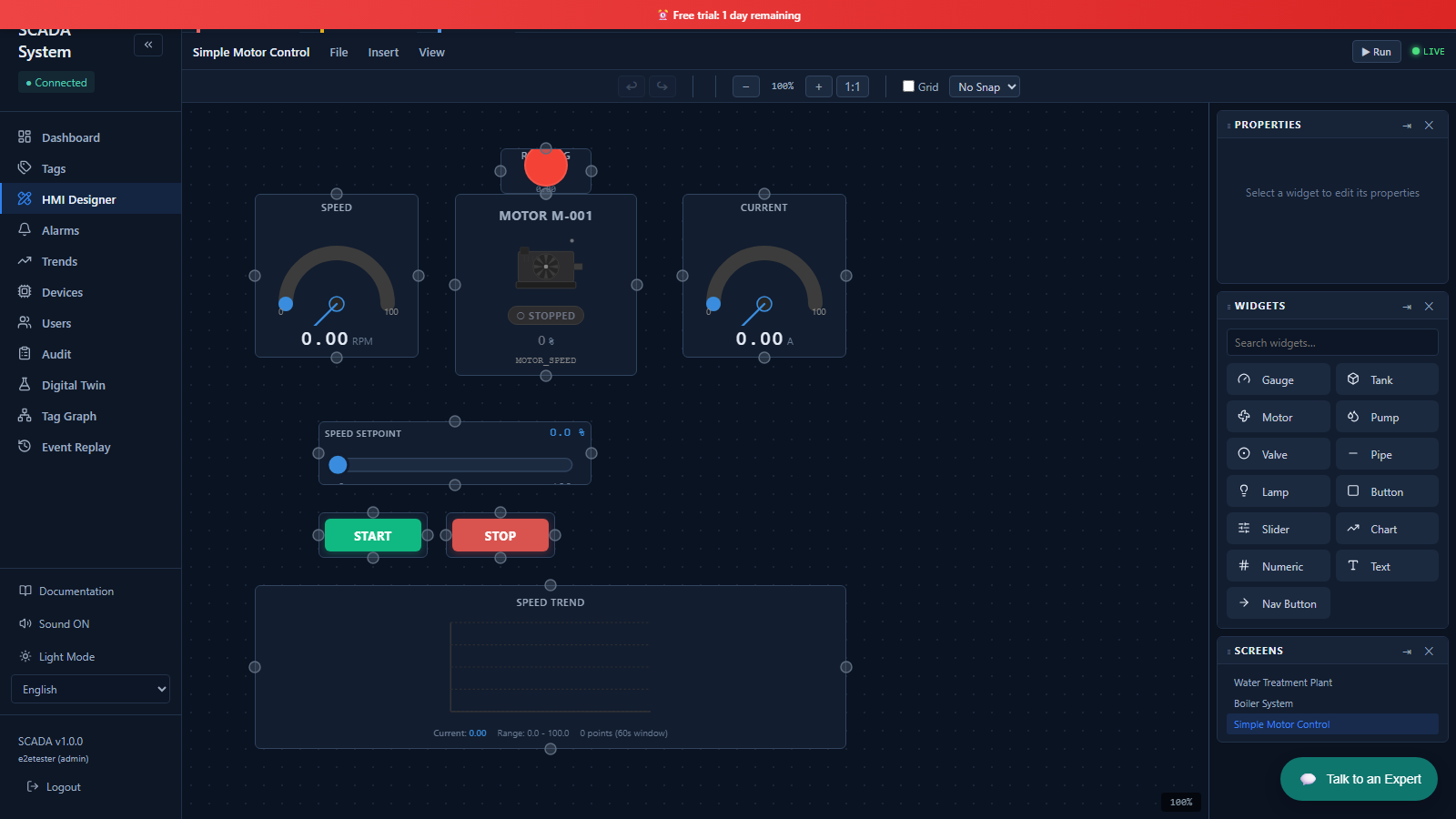
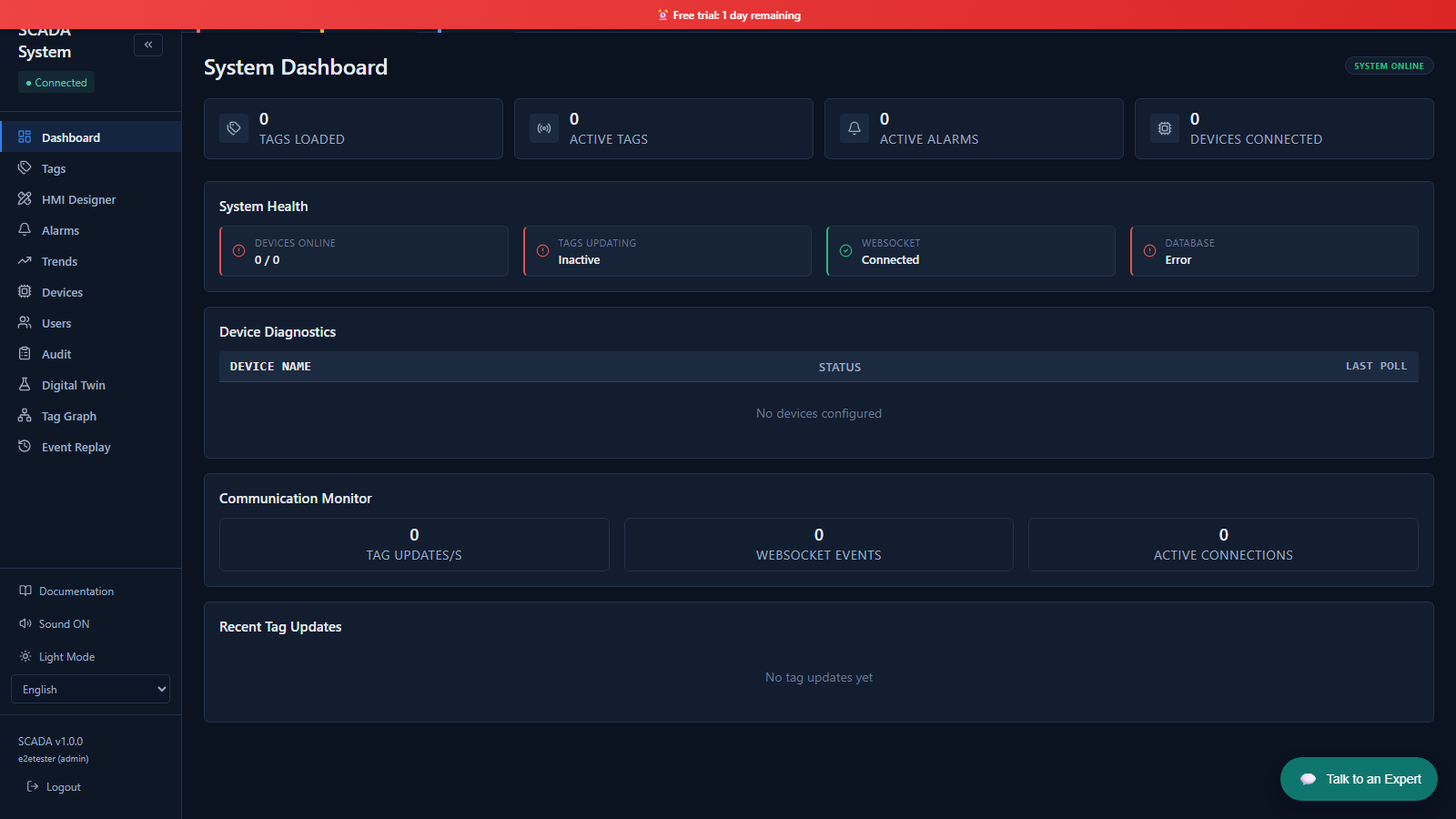 Live Dashboard
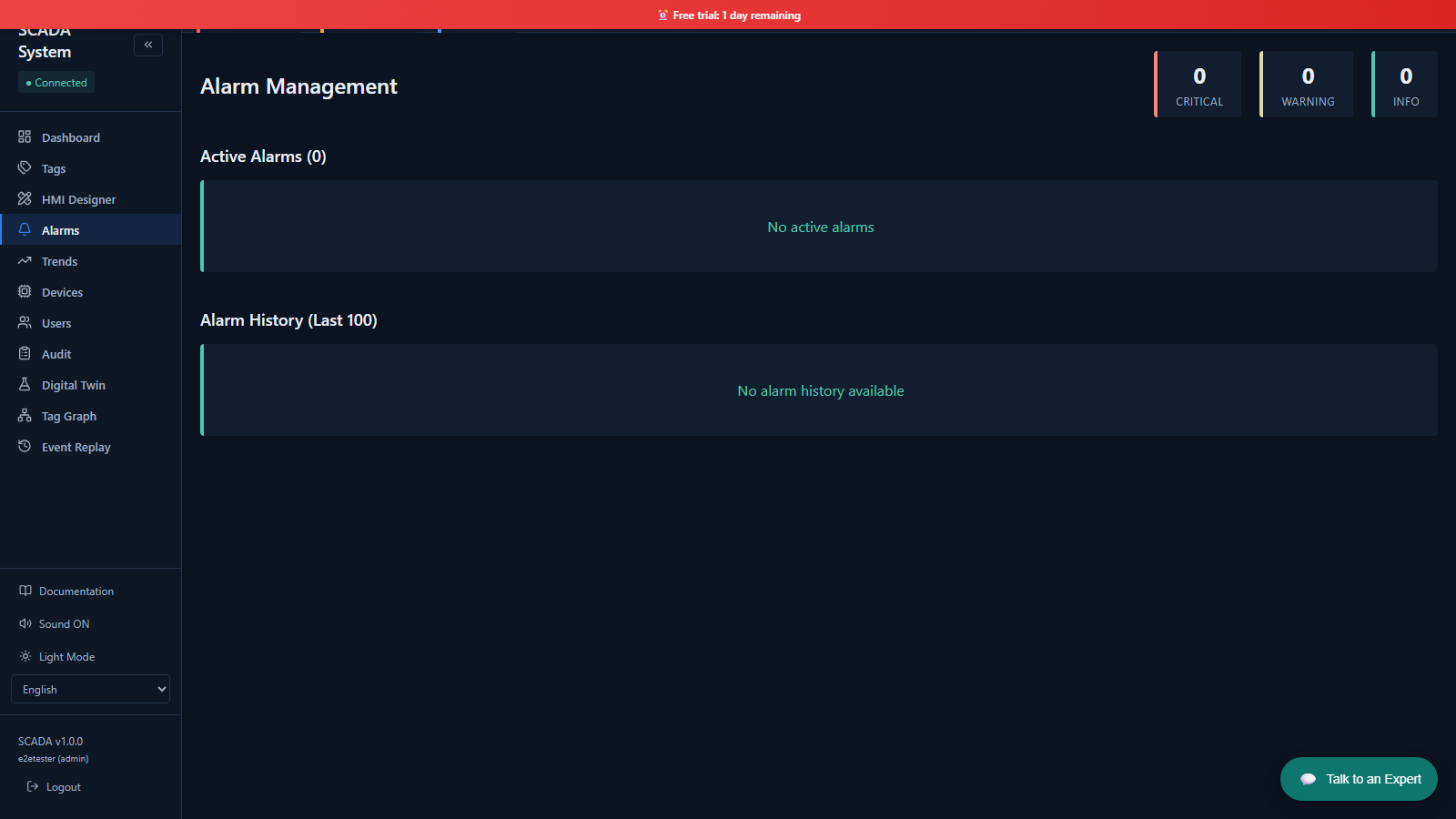 Alarms
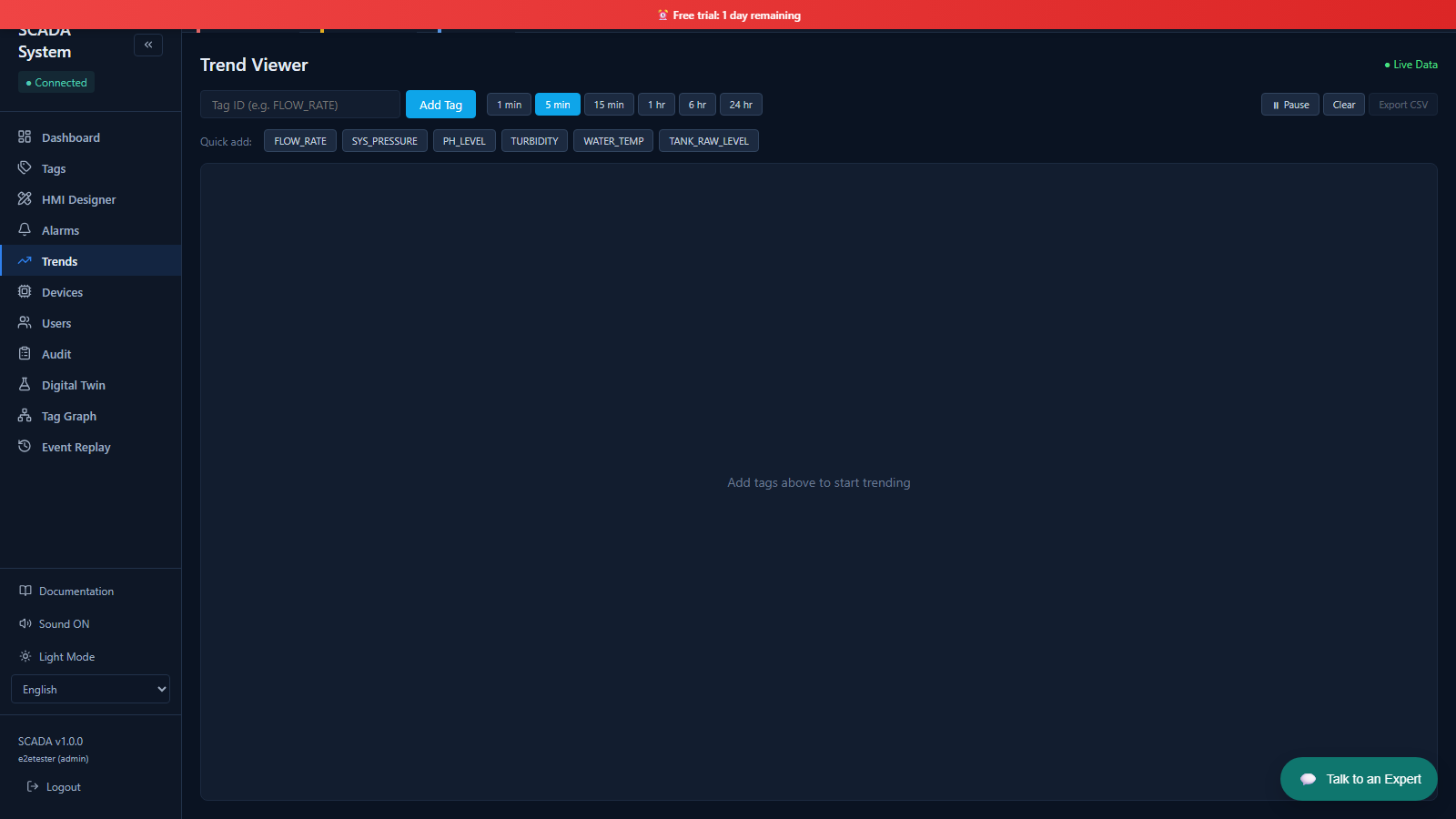 Trends & Historian
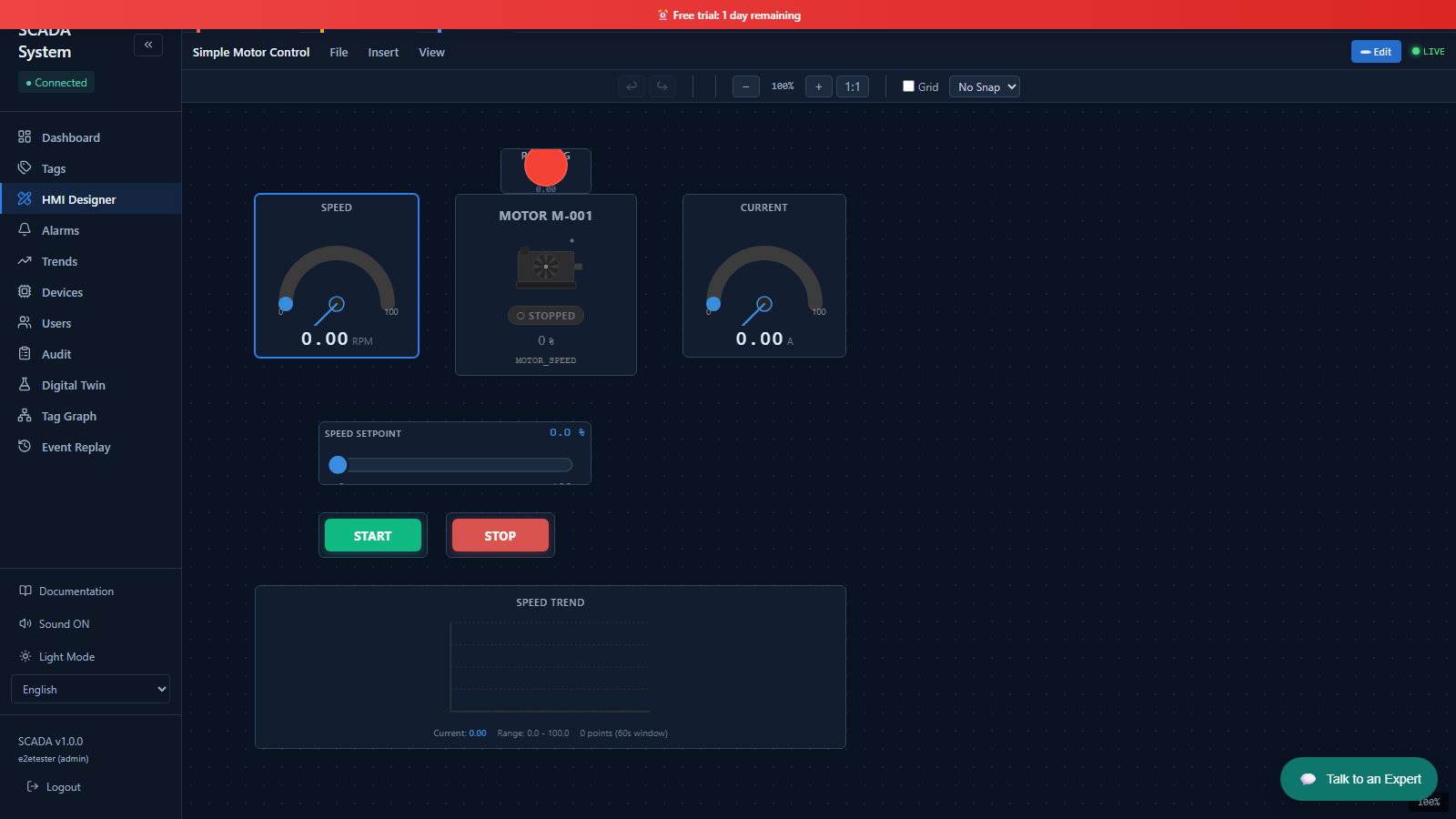 Live HMI
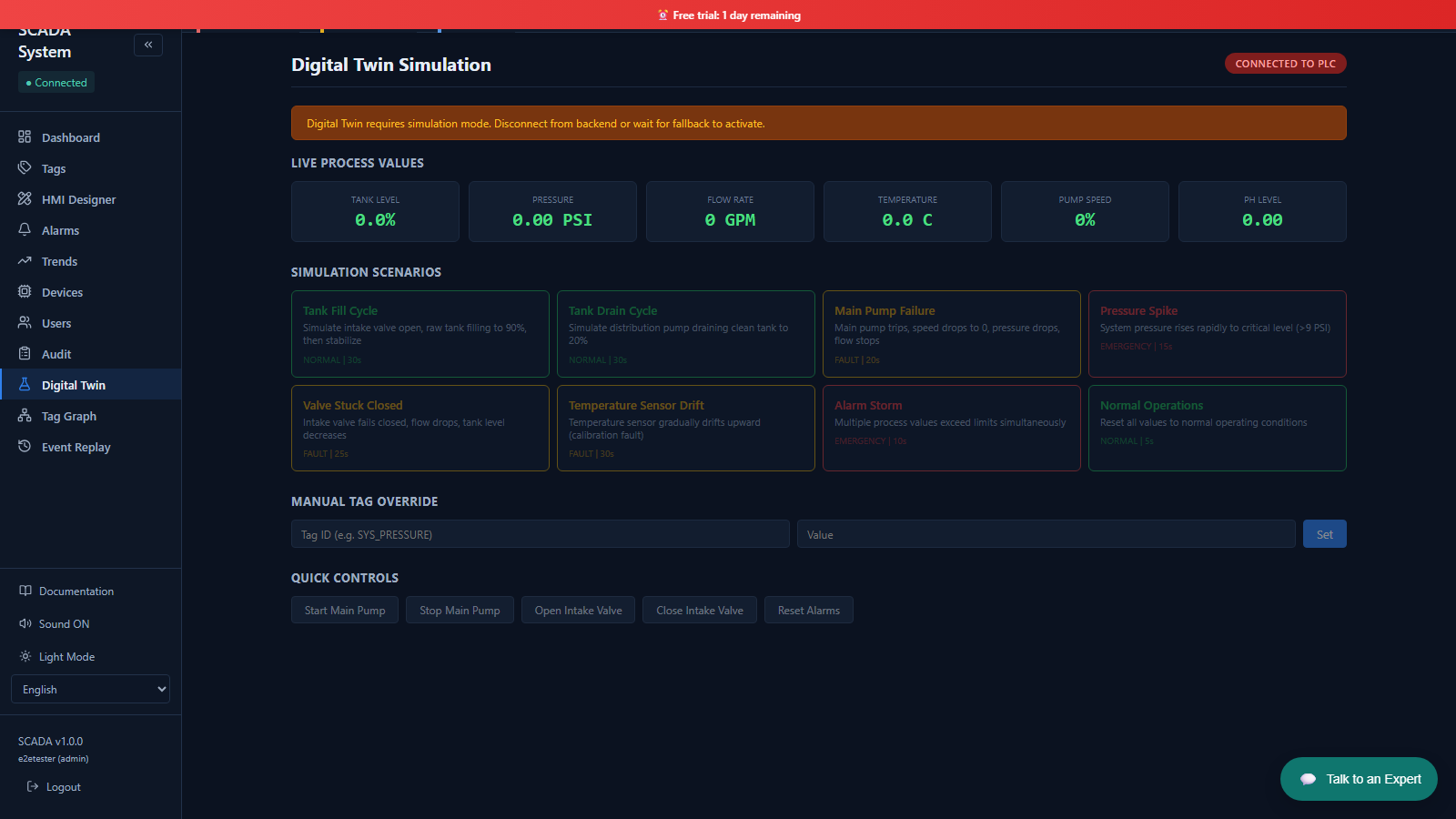 Digital Twin
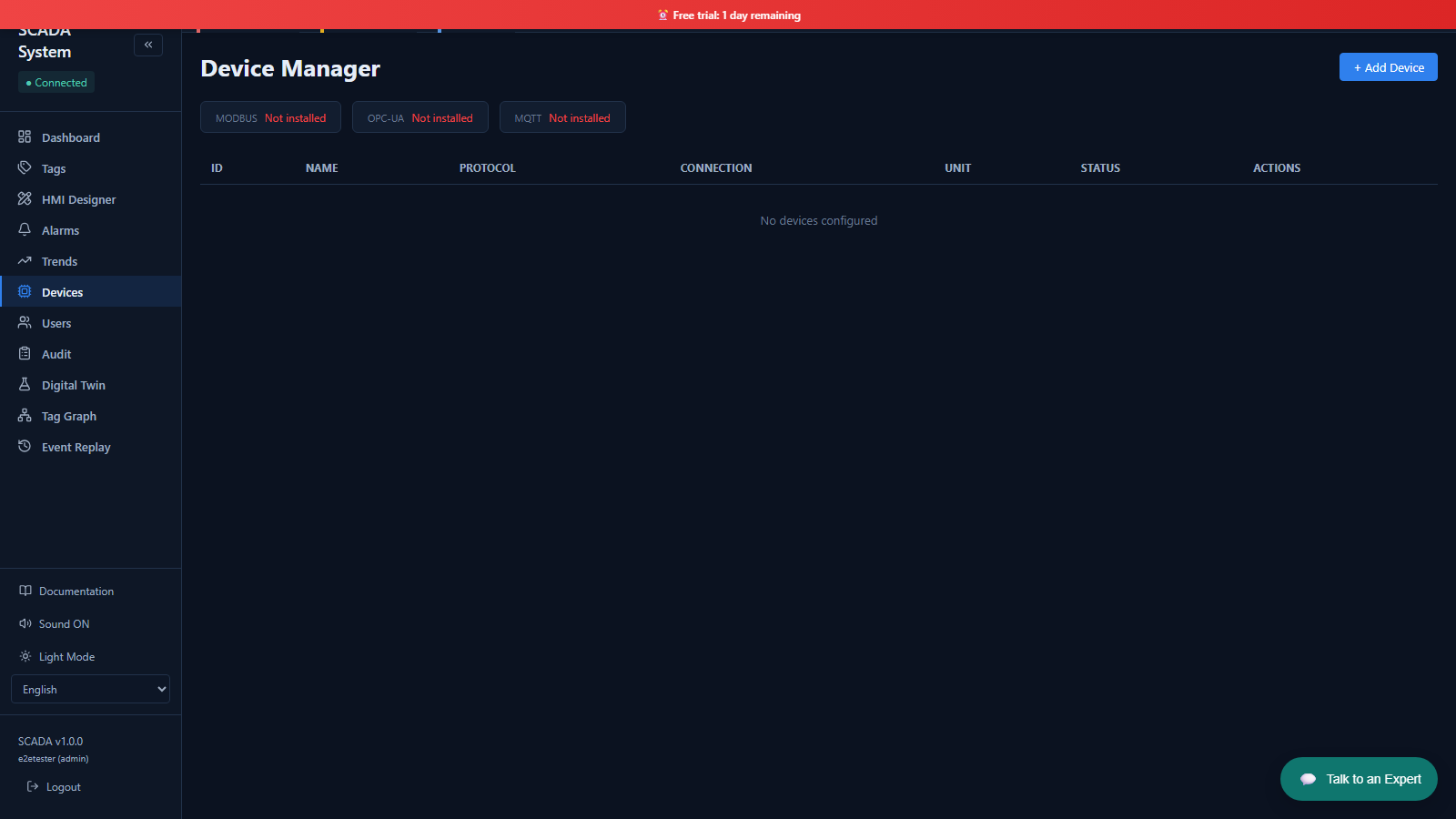 Devices
SCADA Desktop is the local Windows product for plant-floor HMI and historian work. SCADA Cloud is the browser-based product for remote dashboards, multi-site monitoring, and team access. Both connect to industrial devices through Modbus-based workflows.
You want a local Windows application, no recurring fee, local historian storage, and operation inside air-gapped or tightly controlled networks.
You need remote access, multi-site dashboards, easier team sharing, and browser-based monitoring without maintaining a local SCADA server.
Local HMI for plant-floor engineers. Runs on your Windows machine, connects directly to PLCs on the local network. No internet needed.
Windows 10 / 11 · 30-day free trial
Remote industrial monitoring from any browser. Connect Modbus, MQTT, and OPC UA devices. View dashboards from anywhere in the world.
Browser-based · 30-day free trial
Priced by tag capacity. SCADA Desktop is a one-time perpetual licence; SCADA Cloud is a monthly subscription. Both start with a 30-day free trial.
Not sure yet? Download the free 30-day trial — buy a licence when you are ready.
Key differences at a glance.
| Feature | SCADA Desktop | SCADA Cloud |
|---|---|---|
| Where it runs | Windows PC / server | Any browser |
| Internet required? | No — fully offline | Yes |
| Remote access | No (LAN only) | Yes — from anywhere |
| Protocols | Modbus TCP, Modbus RTU | Modbus, MQTT, OPC UA |
| Data storage | Local SQLite on your PC | Cloud (TimescaleDB) |
| Multi-site | Single machine | Yes — multiple plants |
| Team access | Single user | Role-based, unlimited users |
| Pricing | From $199 one-time | From $29/month |
| Free trial | 30 days | 30 days |
A full walkthrough of the SCADA workflow — connect a device, build an HMI, and go live with alarms, trends, and the historian.
The same HMI designer, dashboards, alarms, and historian across SCADA Desktop and SCADA Cloud.
Live DashboardAlarmsTrends & HistorianLive HMIDigital TwinDevicesUse the deployment model that matches how your team actually works.
Guides and tutorials for both products — setup, configuration, troubleshooting, and comparisons.
Full comparison with side-by-side feature table and a quick decision guide for engineers.
Read article →Step-by-step: install, add Modbus device, configure tags, build your first dashboard.
Read guide →Detailed pages for specific SCADA use cases.